Animation Layer Toolkit
Blender Add-on (Python)
Project Description
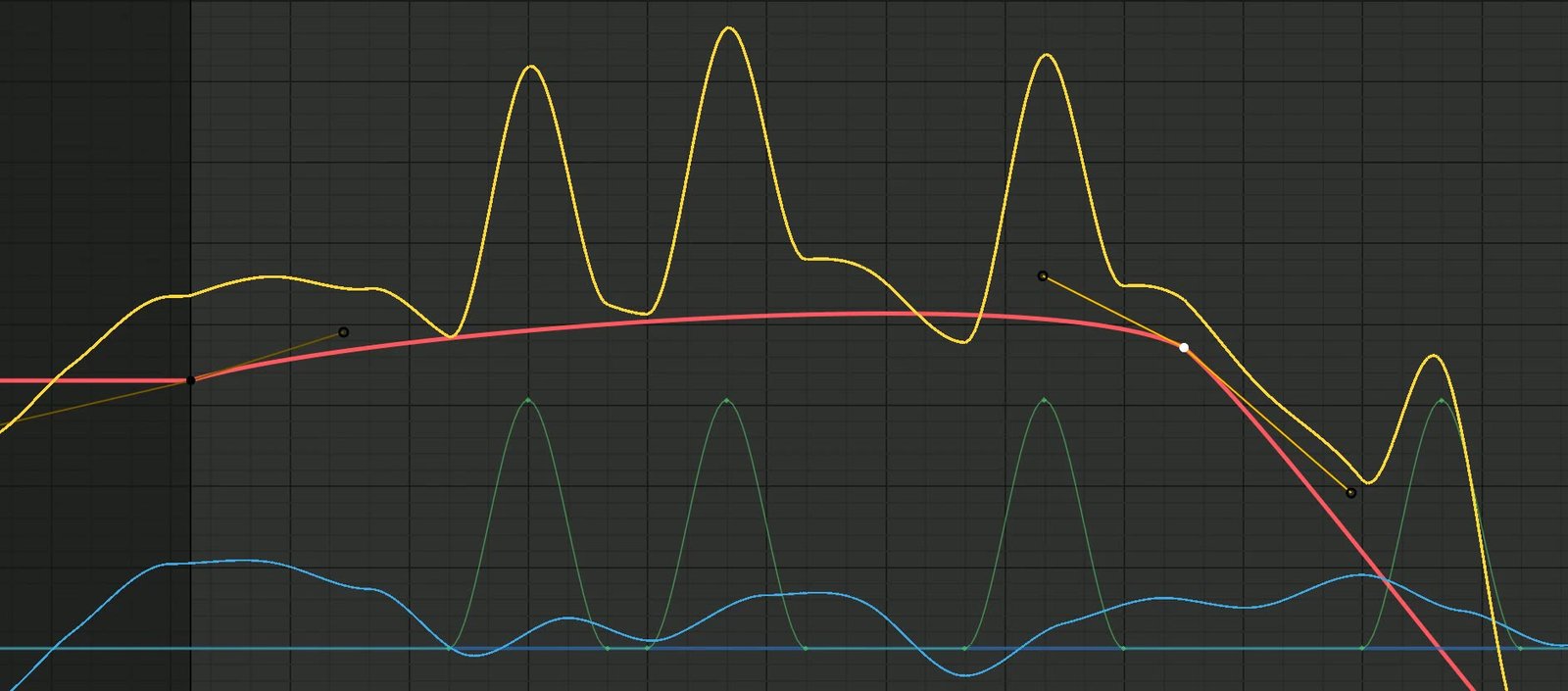
The Animation Layer Toolkit brings non-destructive, additive animation layers to Blender. Instead of editing keys directly on a base performance, animators stack layers on top of it - a broad pass on one layer, an offset or overshoot on another, a polish pass on a third - and blend them together. The base animation is never touched, so experiments stay reversible and the original take is always one slider away.
I built it with the Python API to fit the way I choreograph ride and character motion: block the main move, then sculpt secondary motion, noise, and cycles on separate layers without fear of losing the take underneath. Each layer has its own weight and mute, layers can be reordered or soloed, and the whole stack bakes down to clean F-Curves when it is time to hand off.
Toolkit Features
| Feature | What it does |
|---|---|
| Functionality | |
| Additive layers | Stack any number of animation layers on top of a base performance; each layer adds its offset to the result and leaves the base untouched. |
| Per-layer weight | A weight slider on each layer dials its contribution in or out, so an overshoot or noise pass can be tuned - or turned off - without re-keying. |
| Mute, solo & reorder | Toggle layers on and off, solo one to isolate it, and reorder the stack to change how passes combine. |
| Selective channels | Target a layer at only the channels you want - location, rotation, or a single axis - so a fix lands exactly where it is needed. |
| Usability Features | |
| Layer stack panel | A dedicated N-panel lists the layer stack with add, delete, weight, mute, and solo controls in one place next to the viewport. |
| Non-destructive by default | The base take is preserved at all times; layers can be cleared or collapsed individually, so nothing is ever lost. |
| Import & Export | |
| Bake to F-Curves | Flatten the whole stack down to clean keyframes on the base action for hand-off, export, or engine ingestion. |
| Portable install | Packaged as a standard Blender add-on - install the zip through Edit > Preferences > Add-ons and enable it; no external Python packages to manage. |